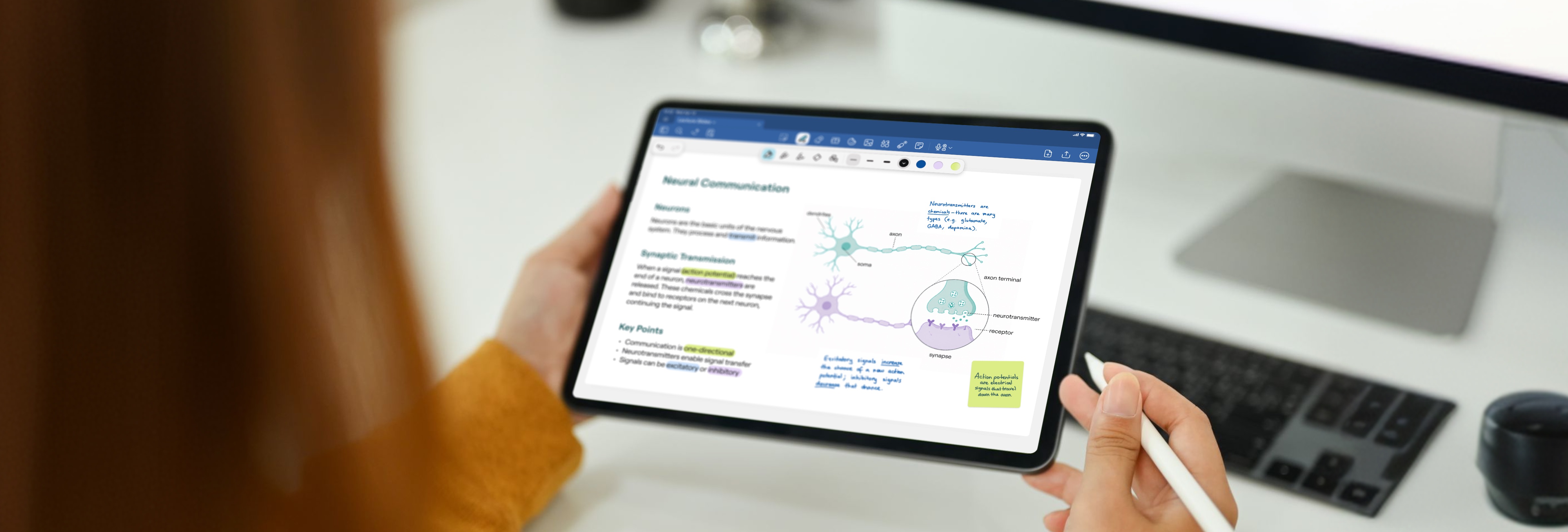
So you’re considering an iPad for college?
There’s the original iPad, iPad Pro, the iPad Air… and each comes in varying specs, sizes, and price points. With so many choices, which is the best iPad for students?
The best pick for you will primarily depend on how you want to use it at school. Will it be a replacement for your laptop or more of a portable secondary device? The best iPad apps for students could also influence which device is best suited to your needs.
To find the one most suited for you, let’s compare current iPad models available.
The iPad (10th gen) - Best value on a student budget
Chip: A16
Screen: 11"
Storage: 128GB, 256GB, or 512GB
Price: From $349
Apple Pencil: USB-C
Replaces your laptop?: No
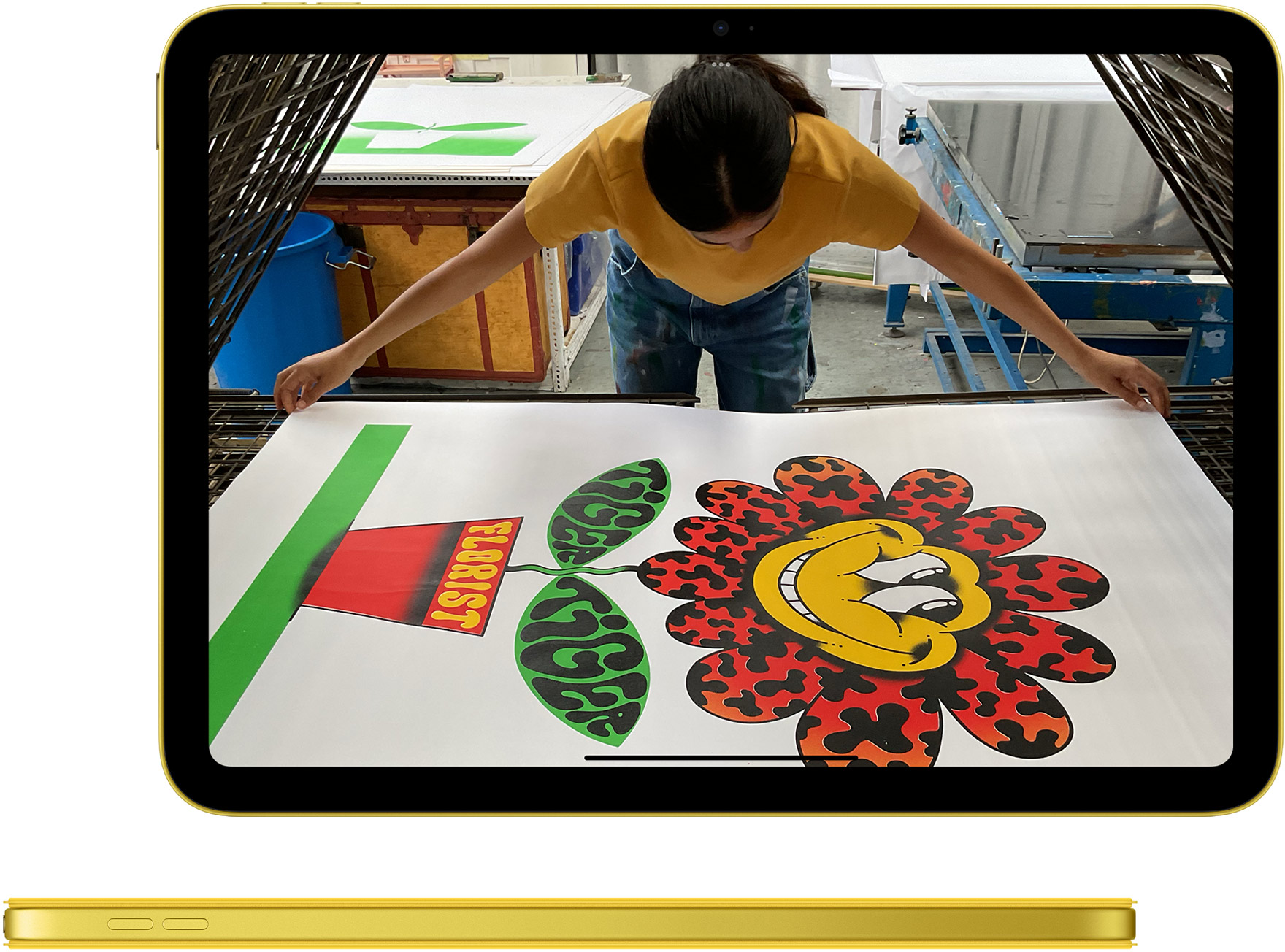
For students who want a capable note-taking device without spending a lot, the base iPad does the job. It handles everything most students actually need day-to-day: annotating lecture slides, taking handwritten notes, watching back recorded lectures, video calls, and the odd Netflix episode between classes. The A16 chip is a meaningful step up from its predecessor and gives this model some longevity, which means it won't feel slow two or three years into your degree.
One thing to know before buying: it's a 60Hz display, which means writing and scrolling feel slightly less fluid than on the Air or Pro. For most students this isn't noticeable unless you've used a ProMotion display side by side. It also only supports the Apple Pencil USB-C, not the Pencil Pro, so you miss out on hover and the squeeze shortcut. Useful but not essential.
Storage starts at 128GB, which enough for most students, but worth going to 256GB if you plan to store a lot of large PDFs over multiple years.
You should choose the base iPad for college if:
- You're on a student budget and plan to use a laptop as your main machine, with the iPad as a note-taking and reading companion.
- You'll mostly annotate lecture slides and write handwritten notes.
- You want the best value entry point into the iPad + Goodnotes setup.
iPad Air - Best all-rounder for most college students
Chip: M4
Screen: 11" or 13"
Storage: 128GB, 256GB, 512GB, or 1TB
Price: From $599 (11") / $799 (13")
Apple Pencil: Pencil Pro
Replaces your laptop?: Yes (with Magic Keyboard)
The iPad Air is where most students should start their search. The M4 chip is fast enough to run anything a student might throw at it, now and for the foreseeable future. It supports the full Apple Pencil Pro experience, hover preview before your stroke hits the page, squeeze to flip between pen and eraser without lifting your hand, magnetic charging so it's always ready.
The 11" screen is a comfortable size for annotating lecture slides without constantly zooming. The 13" is a meaningful upgrade if you regularly work with dense PDFs or want more room when writing alongside slides, and it's significantly cheaper than the 13" Pro.
The one thing the Air doesn't have that the Pro does: ProMotion (120Hz). Writing on a 60Hz screen is perfectly fine for most students, but if you spend a lot of time handwriting, the Pro's display does feel noticeably smoother. For the majority of students, this isn't a dealbreaker.
You should choose the iPad Air for college if:
- You want an iPad that handles everything: note-taking, research, video editing, presentations…all without the Pro price tag.
- You want Apple Pencil Pro support at a price that makes sense on a student budget.
- You're considering replacing your laptop: the 13" Air with a Magic Keyboard covers most of what a MacBook does.
iPad Pro - Best for professionals or hardcore Apple fanatics
Chip: M5
Screen: 11" or 13"
Storage: 256GB, 512GB, 1TB, or 2TB
Price: From $999 (11") / $1,199 (13")
Apple Pencil: Pencil Pro
Replaces your laptop?: Yes
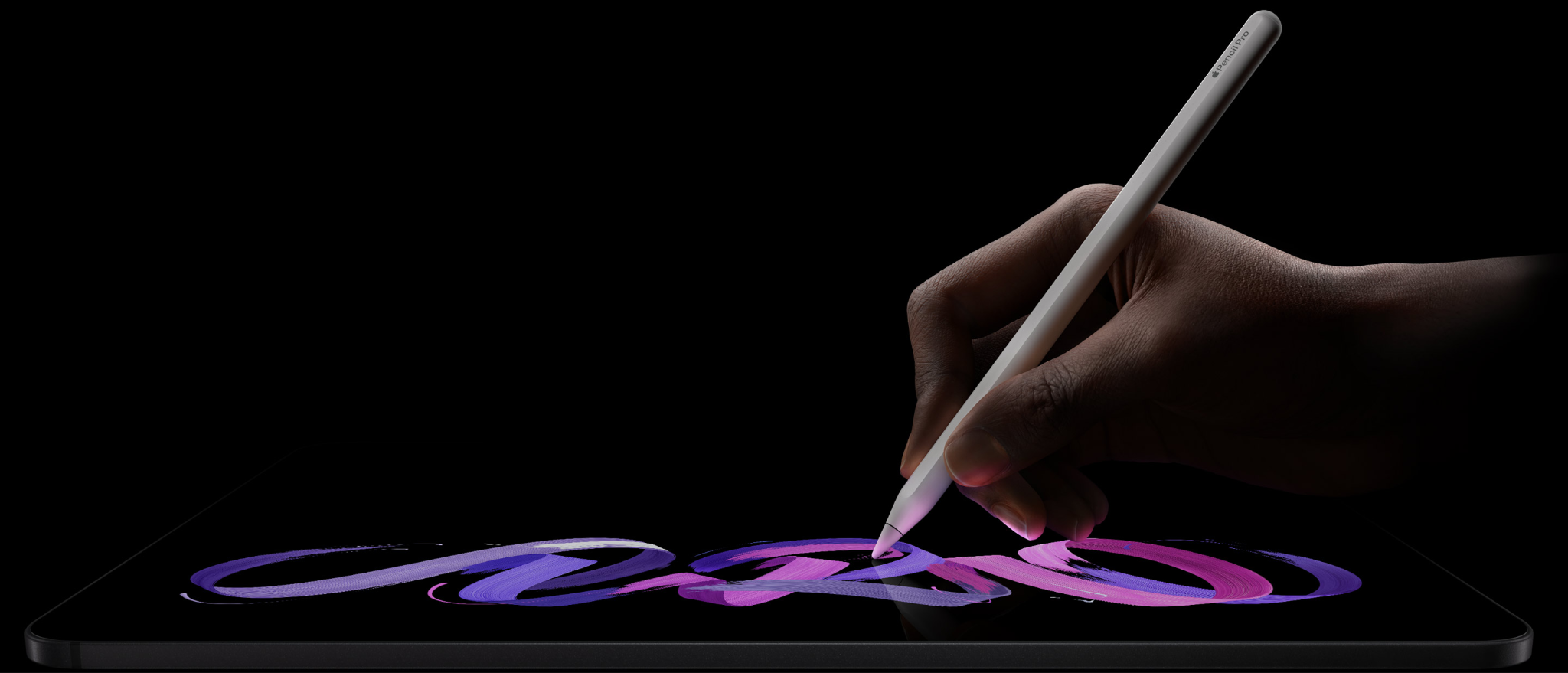
The Pro's standout feature for students is the ProMotion display. 120Hz means writing, scrolling, and animations are noticeably smoother. For students who spend hours handwriting every day, it's the closest any iPad gets to writing on paper. You also get Face ID, the brightest and most colour-accurate display in the lineup, Thunderbolt connectivity, and up to 2TB of storage.
Everything else (the M5 chip, the extra RAM) is overkill for note-taking and lecture slides. The Pro genuinely earns its price if you're editing 4K video, using it as a professional design tool, or running intensive creative apps alongside your studies. For most students, the Air covers 95% of the same ground.
Choose the iPad Pro if:
- You plan to use your iPad as your primary computer for everything, not just studying.
- You're in a creative, architecture, or engineering programme and need the display and processing power.
- The ProMotion display matters to you. You handwrite for hours every day and want the smoothest possible feel.
- Budget isn't a constraint.
iPad Mini - Portable second screen
Chip: A17 Pro
Screen: 8.3"
Storage: 128GB, 256GB, or 512GB
Price: From $499
Apple Pencil: Pencil Pro
Replaces your laptop?: No
The iPad mini is genuinely pocketable, it fits in a jacket pocket or a small tote and weighs next to nothing. If you spend a lot of time moving between lectures, labs, and clinical placements, the portability argument is real. It's particularly popular with nursing and medical students: it fits in a scrub pocket. The A17 Pro chip is fast, and it supports the full Apple Pencil Pro experience.
The honest trade-off is the screen. 8.3" is noticeably small when you're annotating a full lecture slide – you either zoom in frequently or your handwriting ends up very small. The mini works best alongside a laptop or as a specialist reading and quick-notes device, not as your sole study machine.
You should choose the iPad mini for college if:
- Portability is your top priority and you'll be using a laptop for heavy work.
- You spend time in clinical, fieldwork, or on-the-go settings where a full-size iPad is impractical.
- You want a comfortable device for reading and light annotation.
Is Goodnotes worth it for college students in 2026?
If you want the freedom of banishing heavy backpacks loaded with notebooks and the feeling of handwritten notes that never get lost, then Goodnotes is a fantastic choice for college students.
You can actually find things.
Search works on your handwriting. Type in "Krebs cycle" or "consideration in contract law" and every page you've ever written it on shows up.
Your lecture slides, your notes, one place.
Import PDFs straight from Canvas, Moodle, or email, write on top of them, and they stay right next to everything else you've written. No printing. No switching between apps mid-lecture.
The AI works on your notes, not the internet.
Ask it to summarize Tuesday's lecture, quiz you before an exam, or explain something from your own handwriting. It knows what you've actually written.
It's free to start.
Three notebooks, no card required. Completely commitment-free.
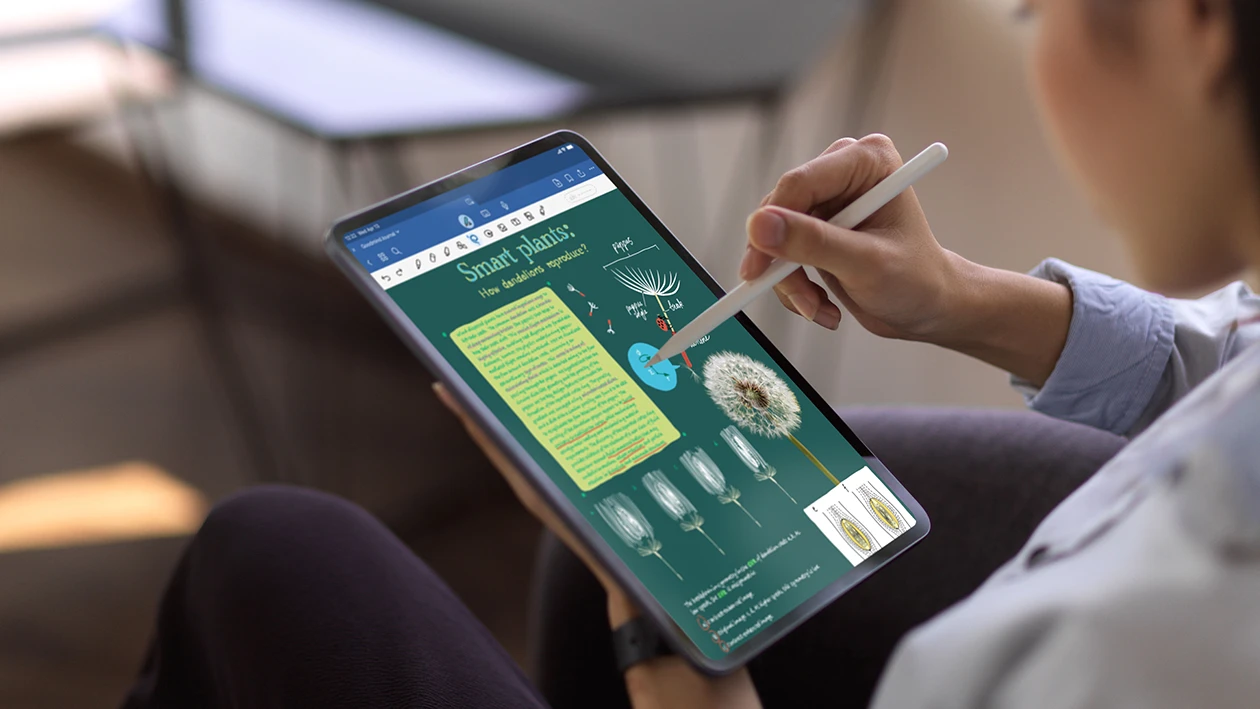
The best iPad and Goodnotes pairing for your studies
Goodnotes runs well on every iPad. But the right pairing depends on how you actually study.
Base iPad + Goodnotes = for students who mostly annotate slides
If your workflow is importing lecture PDFs and writing on top of them, the base iPad handles it without breaking a sweat. The screen is a comfortable size, the Apple Pencil USB-C works well for annotation, and Goodnotes runs as fast as you need it to. Where you'll notice the limits: the Apple Pencil Pro features (hover, squeeze to switch tools) aren't available, and 64GB fills up faster than you'd expect once you're storing a semester of PDFs.
iPad mini + Goodnotes = for students who are always moving
The mini is the one you'll actually take everywhere. Clinical placements, field work, commuting between buildings. Goodnotes on the mini works best for quick note capture, reading, and annotating on the go. The screen is genuinely small for a two-hour lecture, so most students who use the mini pair it with a laptop for heavy-duty sessions and use Goodnotes to keep everything synced between them.
iPad Air + Goodnotes = the setup most college students end up with
This is the pairing that shows up most in student setups, and for good reason. Apple Pencil Pro support means hover preview before your stroke hits the page, squeeze to flip between pen and eraser without lifting your hand, and magnetic charging so it's always ready. The 11" screen gives you enough room to annotate a slide and write your own notes alongside it. The 13" version is worth considering if you're in a subject where you're regularly working with dense, text-heavy PDFs.
iPad Pro + Goodnotes = for students who do more than study
The ProMotion display is what actually matters here for Goodnotes: 120Hz makes writing feel different as you’re closer to paper than any other iPad. If you're an engineering or architecture student spending hours sketching on the infinite canvas, or a creative who uses Goodnotes alongside design work, the Pro earns its place. For students using it primarily for note-taking and slide annotation, the Air gets you 95% of the same experience for significantly less.
Which Apple Pencil works with which iPad
Not every Apple Pencil works with every iPad, and the differences aren't just about charging. For handwriting in Goodnotes, the gap between the USB-C Pencil and the Pencil Pro is noticeable day to day.
What hover actually does in Goodnotes
You see your stroke appear on the page before the Pencil touches it, so you can place annotations precisely without guessing.
What squeeze does
Flips you between your current tool and the eraser without lifting your hand off the page. Once you've used it, going back to tapping the toolbar feels slow.
Why the USB-C Pencil is still fine
If the base iPad is your pick, the USB-C Pencil covers everything you need for annotating slides, handwriting notes, and highlighting. The Pencil Pro features are a comfort upgrade, not a requirement.
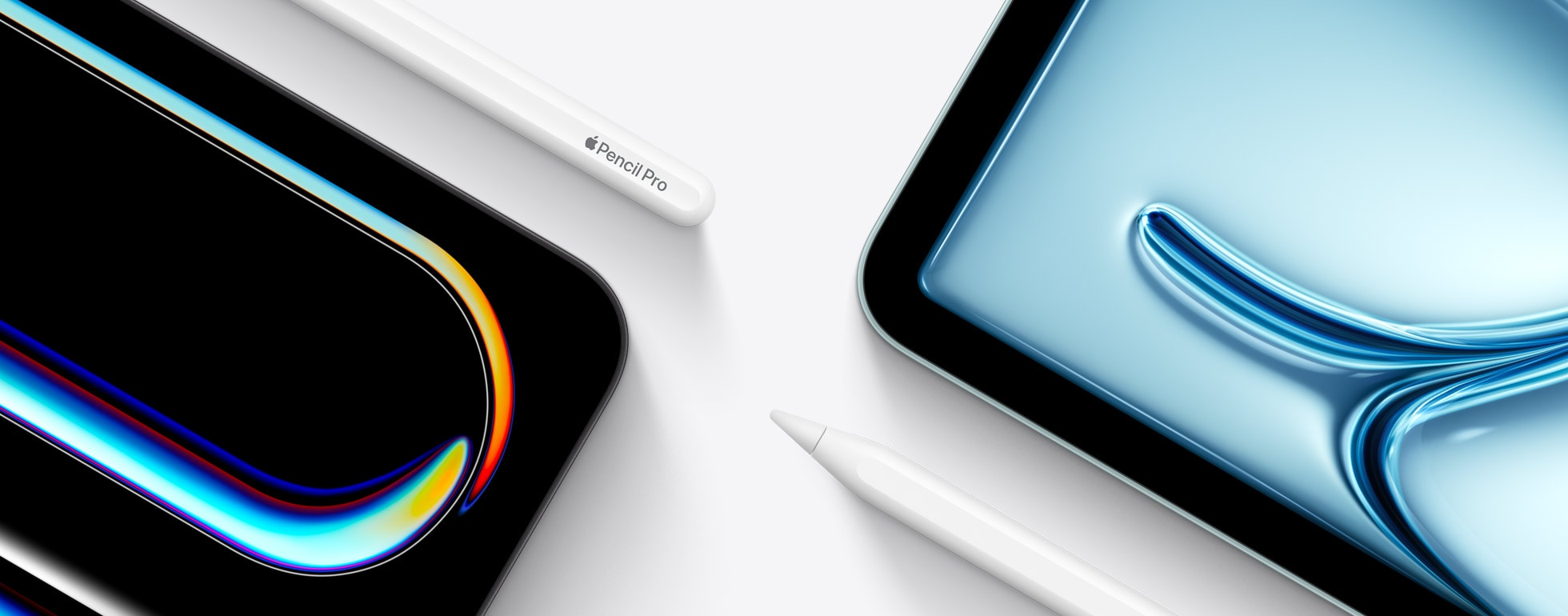
So which iPad is the best for students?
For most students, the 11" iPad Air is the pick. M4 chip, Apple Pencil Pro support, comfortable screen, and a price that makes sense on a student budget. If you want more room on the page (and plan to annotate a lot of dense PDFs), the 13" Air is worth the step up.
If your budget is tight, the base iPad is a solid fallback. It handles Goodnotes well and the USB-C Pencil covers the essentials. If you're constantly on the move, the mini is genuinely worth considering, especially if you're using a laptop alongside it.
The Pro is worth it if your use case demands it. ProMotion writing, creative or technical work, or using the iPad as your only computer. For most students, the Air gets you there.
Want to take better study notes on the iPad?
Join millions of students using Goodnotes to take handwritten and typed notes on the iPad.
Download and try Goodnotes for free.
Just purchased your new iPad? Here are the best iPad apps for students.